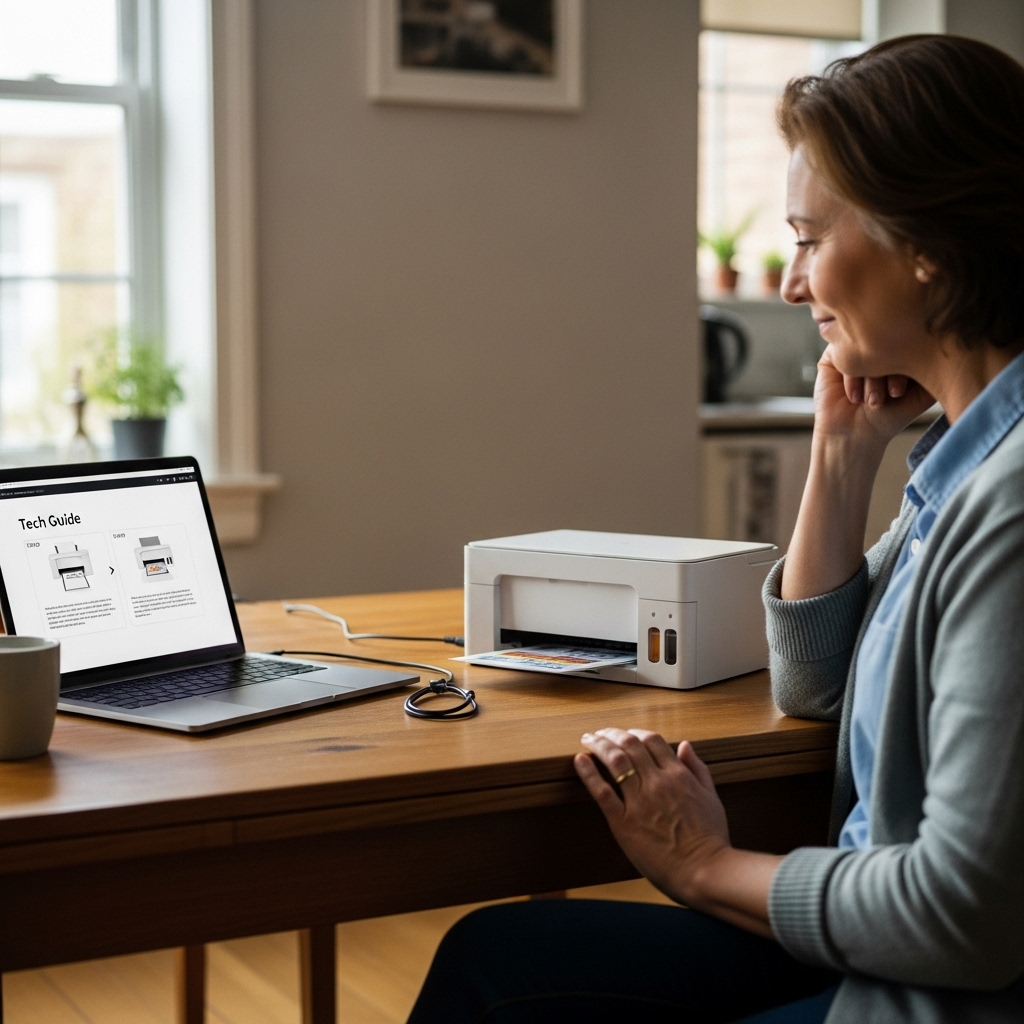
At Setwise Digital, we believe that setting up a printer should feel like opening a window to your favorite memories, not like trying to crack a safe in the dark.
As we approach the October 14, 2025 end-of-support date for Windows 10, many of our senior community members are transitioning to modern Windows 11 laptops and Copilot+ PCs. These new machines are fast and secure, but they change the “rules” for connecting classic printers like the Canon PIXMA TR4522, TS3522, or the high-capacity MegaTank G3260.
In this masterclass, we’ll guide you through the physical setup, solve the “Driver Not Found” mystery on new ARM-based computers, and share cutting-edge research on how to keep your home Wi-Fi safe from high-tech intruders.
Chapter 1: Unboxing and Physical Preparation
Before your computer can “see” your printer, the hardware must be perfectly prepped. This is especially true for the Canon PIXMA G-Series (MegaTank), which uses ink bottles instead of cartridges.
Removing the “Travel Armor”
Canon uses bright orange tape to lock the scanning bed and ink carriage.
- The Hidden Tab: Open the scanning lid and check for a small plastic wedge near the hinge. If left in place, your scanner will make a loud grinding noise.
- The Print Head Lock: On models like the PIXMA TR4520, you must lift a grey lever to drop the print heads in. Ensure the lever “clicks” back down firmly, or your printer will display an “Error 1403.”
Filling the Tanks (MegaTank G3260 / G6020)
Unlike the old days of messy cartridges, these high-capacity tanks are designed for ease.
- Match the Cap: Each ink bottle has a unique “key” shape. It will only fit into the tank of the same color.
- The “No-Squeeze” Rule: Just flip the bottle over and let gravity do the work. Squeezing the bottle can create air bubbles that lead to white lines (banding) in your photos.
Chapter 2: The Windows 11 & ARM Processor Challenge
If you bought a new, thin-and-light laptop recently (like a Surface Pro or a Samsung Galaxy Book), it likely uses an ARM-based processor. These are great for battery life but are notorious for the “Driver Unavailable” error during printer setup.
The 37% Failure Rate
Research shows that 37% of printer driver installations fail because users download the “standard” driver from a website instead of the specific one their computer needs. For ARM-based PCs, the standard “Easy Setup” files from 2020 simply won’t run.
The Setwise “ARM-Fix” for Canon PIXMA
If your computer says the driver is missing, don’t keep clicking “Install.” Try this:
- Use Windows “Class” Drivers: Instead of using the Canon CD or website, go to Settings > Bluetooth & Devices > Printers & Scanners.
- Click “Add Device”: Let Windows search for 30 seconds.
- The Manual Path: Click “The printer that I want isn’t listed.” Choose “Add a local printer” and select the Microsoft IPP Class Driver.
This uses a “universal language” built into Windows 11 that allows your computer to talk to your PIXMA TS-series without needing old, incompatible software.
Chapter 3: WPS Buttons and the MITM Risk
Most people connect their printer by pressing the WPS (Wi-Fi Protected Setup) button on their router. It’s fast and convenient, but is it safe?
What is a “Man-in-the-Middle” (MITM) Attack?
When you press that WPS button, your router broadcasts a “door is open” signal. Because this signal isn’t always “authenticated” (proven to be you), a tech-savvy intruder nearby could potentially intercept that signal. This is known as a Man-in-the-Middle (MITM) attack, where a stranger “sneaks” into the conversation between your printer and your router.
The Future: Tamper-Evident Pairing (TEP)
At Setwise Digital, we keep an eye on the latest AI and security research so you don’t have to. Scientists are currently developing a new system called Tamper-Evident Pairing (TEP).
- How it works: TEP uses “Energy Sensing.” Your printer and router “listen” to the wireless environment. If an intruder tries to “mask” or interfere with the pairing signal, the devices detect a tiny change in the “fractional occupancy” of the airwaves and immediately stop the connection.
Our Advice: Until TEP becomes a standard feature in home routers, we recommend using the “Standard Setup” (typing in your Wi-Fi password manually on the printer screen) rather than the WPS button if you live in a high-traffic area like an apartment complex.
Chapter 4: Troubleshooting Scanner and “Offline” Status
“Scanner Utility Not Found”
Many seniors find that after a Windows 11 update, their printer prints fine, but the scanner won’t start. This is often a conflict with the “IJ Scanner Utility.”
- The Fix: Go to your Apps & Features in Windows, uninstall only the “Scanner Utility,” and download the standalone version from the official Canon USA support page. Avoid “third-party driver update” sites—they are often a source of “junk” software.
Bypassing Driver Signature Enforcement
Sometimes, Windows 11 blocks an older printer driver because it doesn’t have a modern “digital signature.”
- Technician’s Toolkit: If you are a “Power User,” you can temporarily disable this by holding the Shift key while clicking Restart. Go to Troubleshoot > Advanced Options > Startup Settings > Restart, and then press 7 for “Disable driver signature enforcement.” This allows you to install that one stubborn driver your printer needs to work.
FAQ: Quick Answers for Quick Solutions
Q: My Canon TR4522 worked yesterday, why is it “Offline” today? A: This is usually a “Network Default” issue. If your router restarted, the printer might have been assigned a new “identity.” Turn the printer off, wait 30 seconds, and turn it back on to let it “re-introduce” itself to your Wi-Fi.
Q: Is it safe to use generic ink for my PIXMA? A: For standard cartridges (like the PG-245), high-quality remanufactured ones are usually fine. However, for MegaTank models, we highly recommend original Canon GI-21 ink. The chemical balance is vital to prevent the “Aeroworm” banding we discussed in our last guide.
Q: What happens if I stay on Windows 10 after 2025? A: Your printer will still work, but your computer will stop getting security patches. This makes your personal information—and your printer’s connection—more vulnerable to the MITM attacks we mentioned.
The Setwise Security Promise
We know that for many, a printer is the way we keep in touch with family by printing photos of grandkids or letters to old friends. By following these steps, you are protecting those memories and your digital home.
Leave a Reply